Workspaces: an overview
Audience: anyone using Line Budgeter on a Studio or Institutional plan, or who has been invited to a workspace.
What a workspace is
A workspace is a shared, organization-level library in Line Budgeter. It is owned by one person (the Workspace Owner), billed under a workspace subscription, and holds budgets, project folders, groups and members that a whole team works in together.
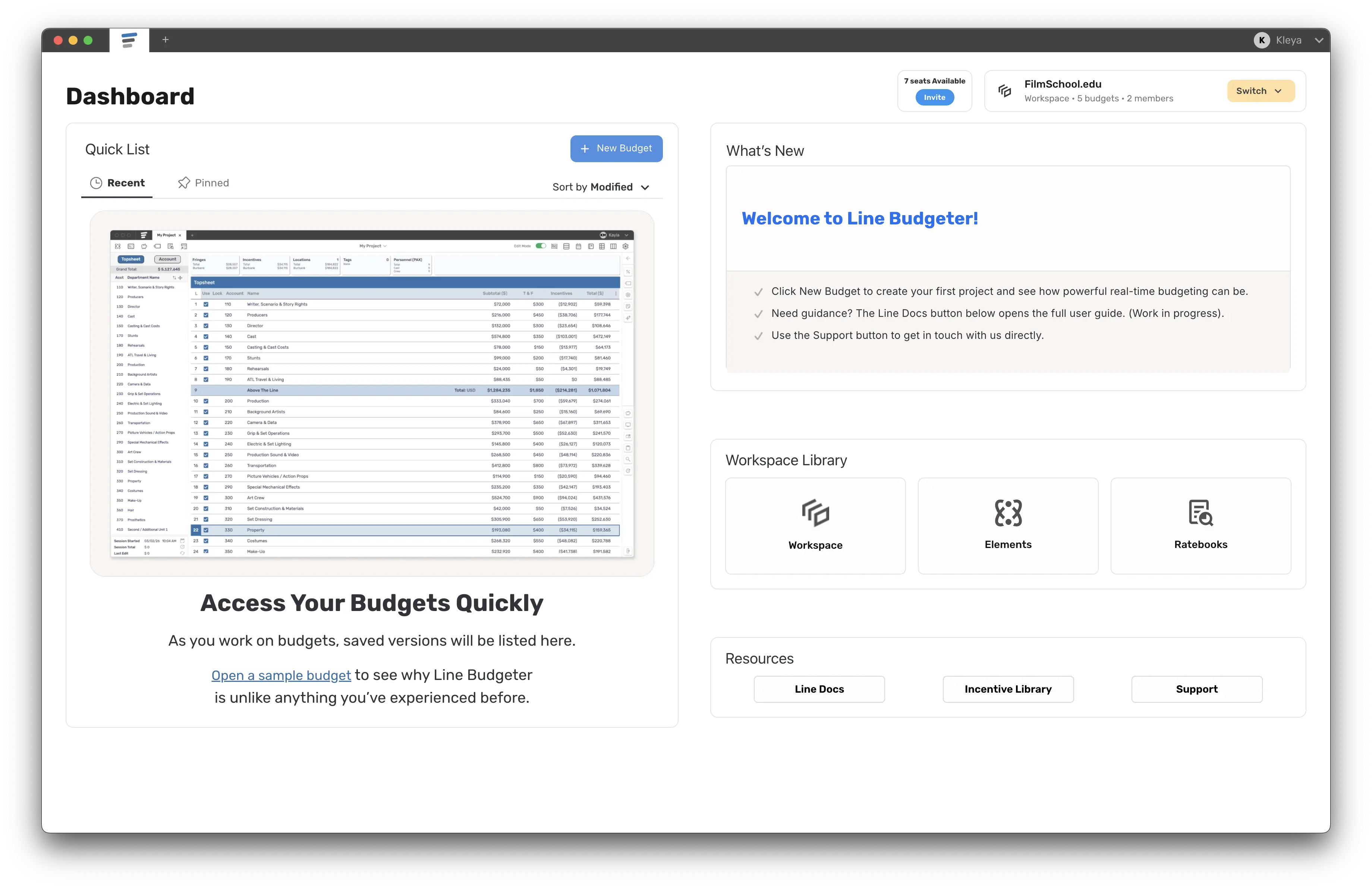
Every Line Budgeter account also has a personal library — the budgets you own yourself. In the app your personal library is called "Your Project Library" (and "My Library" / "My Projects" on the dashboard). A workspace appears in the same list under the label "Shared Workspace".
You can belong to more than one workspace, and you move between your personal library and your workspaces with the workspace switcher (see Switching workspaces).
Workspace plans
There are two workspace plans. Both are per-seat, billed annually, and managed by the Workspace Owner from Account Manager → Billing → Workspace Billing.
| Plan | Who it's for | Ratebooks |
|---|---|---|
| Studio | Production companies and teams. 50+ users? Use the "Contact Us" link on the plan card. | The full ratebook catalog is bundled — every member can use every ratebook; the Ratebook Store is hidden inside the workspace. |
| Institutional | Schools and educational institutions. Requires tax-exemption verification after purchase ("Select & Verify"). | Not bundled — each member buys the ratebooks they need from the Ratebook Store. A ratebook you buy works in both your personal library and the workspace. |
A workspace cannot be switched between Studio and Institutional — you'll see "Studio is not downgradeable to Institutional" (or vice versa). Personal plans (Starter, Student, Budgeter, Budgeter Pro) are separate and cover only your personal library.
What's inside a workspace
When you are in a workspace, the Library sidebar is split into:
- Workspace Files → All Projects — the shared folders and budgets everyone with access can see. Folders can carry a status label (Active, On Hold, Complete, Canceled) and budgets can be labeled Approved or Production, which feed the Workspace Overview dashboard (Studio only).
- Personal Files → My Files — your own files inside this workspace. Only you can see these (Recent, Starred, Drafts, Trash).
- Resources → Elements, Ratebooks.
- A Current Workspace card showing the workspace name, number of budgets and members. Owners/Admins get a Workspace Options menu: Invite to workspace, Manage Workspace, Rename.
Note that "Shared with Me" (budgets other people shared with you personally) only appears in your personal library, not inside a workspace.
Roles at a glance
| Role | What they can do | Uses a paid seat? |
|---|---|---|
| Workspace Owner | Everything, including billing, renaming, logo, licenses and transferring ownership. One per workspace. | — |
| Workspace Admin | Full workspace control; manage members & permissions; share budgets externally. | Yes |
| Project Manager | Full control of project folders; manage folder members & permissions; everything an Editor can do. | Yes |
| Editor | Create & edit budgets; collaborate with the team; generate reports. | Yes |
| Department Editor | Edit only specific departments inside specific budgets. | Yes |
| Guest / View Only | View the budgets shared with them; cannot create or edit. | No |
See Managing your workspace for the full description of roles, access scopes and custom permissions.
Workspace status messages you may see
| Message | Meaning |
|---|---|
| "Workspace must be verified…" / cannot switch in | The workspace subscription payment hasn't been verified yet. Institutional workspaces also need tax-exemption documentation. |
| "This workspace is disabled" / "Workspace disabled" | An admin has disabled your access. Contact the workspace admin. |
| "Read Only Mode" | The workspace's billing couldn't be renewed. You can view but not edit until the owner updates billing. |
| "Removed from workspace" | You have been removed; the app moves you back to your personal library. |
| "Workspace Removed" / "Workspace Activated" | The workspace was deleted (or its subscription ended) / reactivated. |
| "Ownership Transfer requests pending!" | The owner has asked you to take over the workspace (admins only). You have 7 days to accept. |